
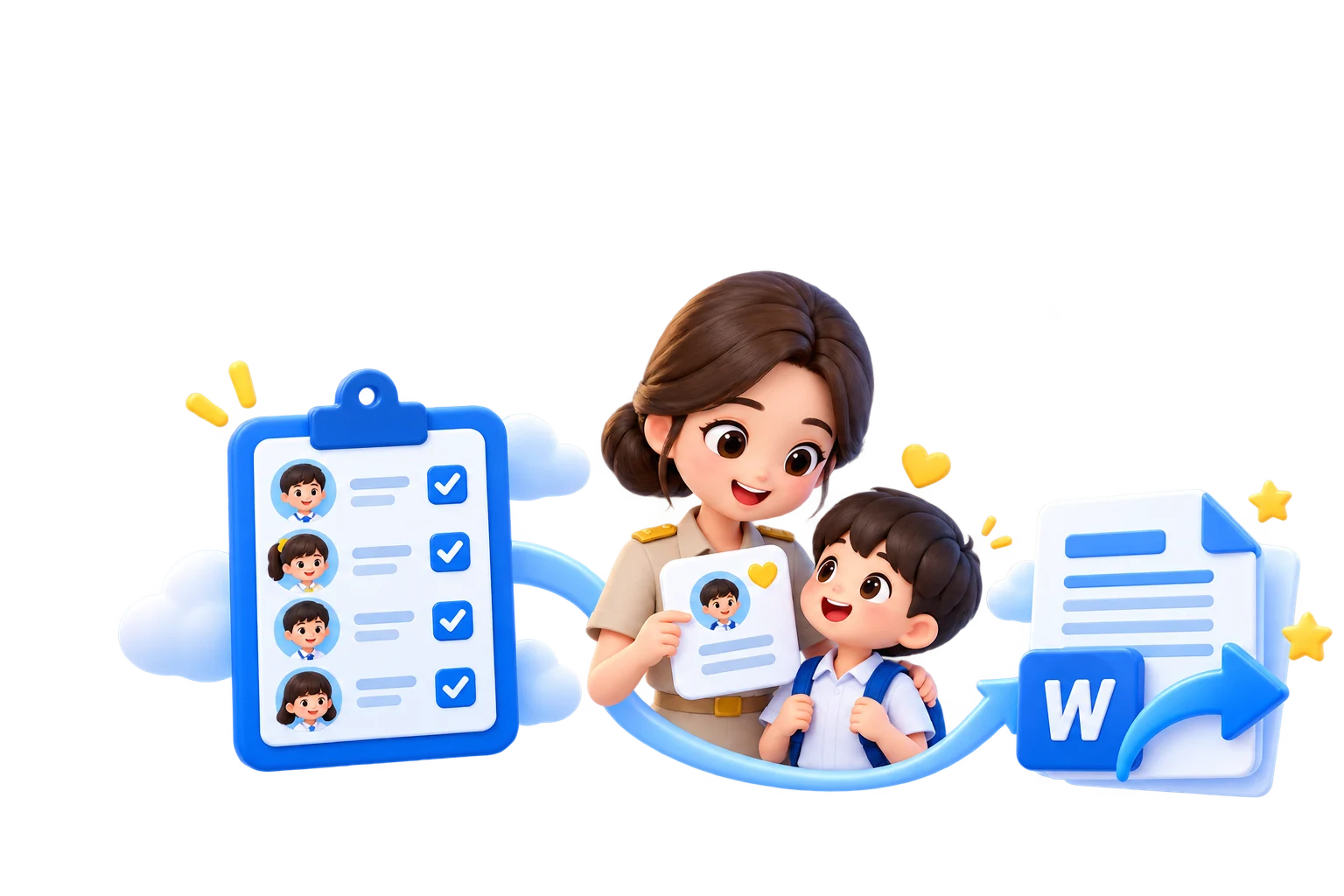
Online student attendance
Mark by day or period, review past dates, and see each pupil’s attendance summary.
See how it worksFor teachers
Plan each period, take attendance, keep marks, follow each pupil, and message guardians in one place. Classroom AR games can become gradebook entries, with ปพ.5, ปพ.4, ปพ.6, and ปพ.8 built from records teachers already keep.
Open the teacher portalSame account as the shop. No second sign-up.
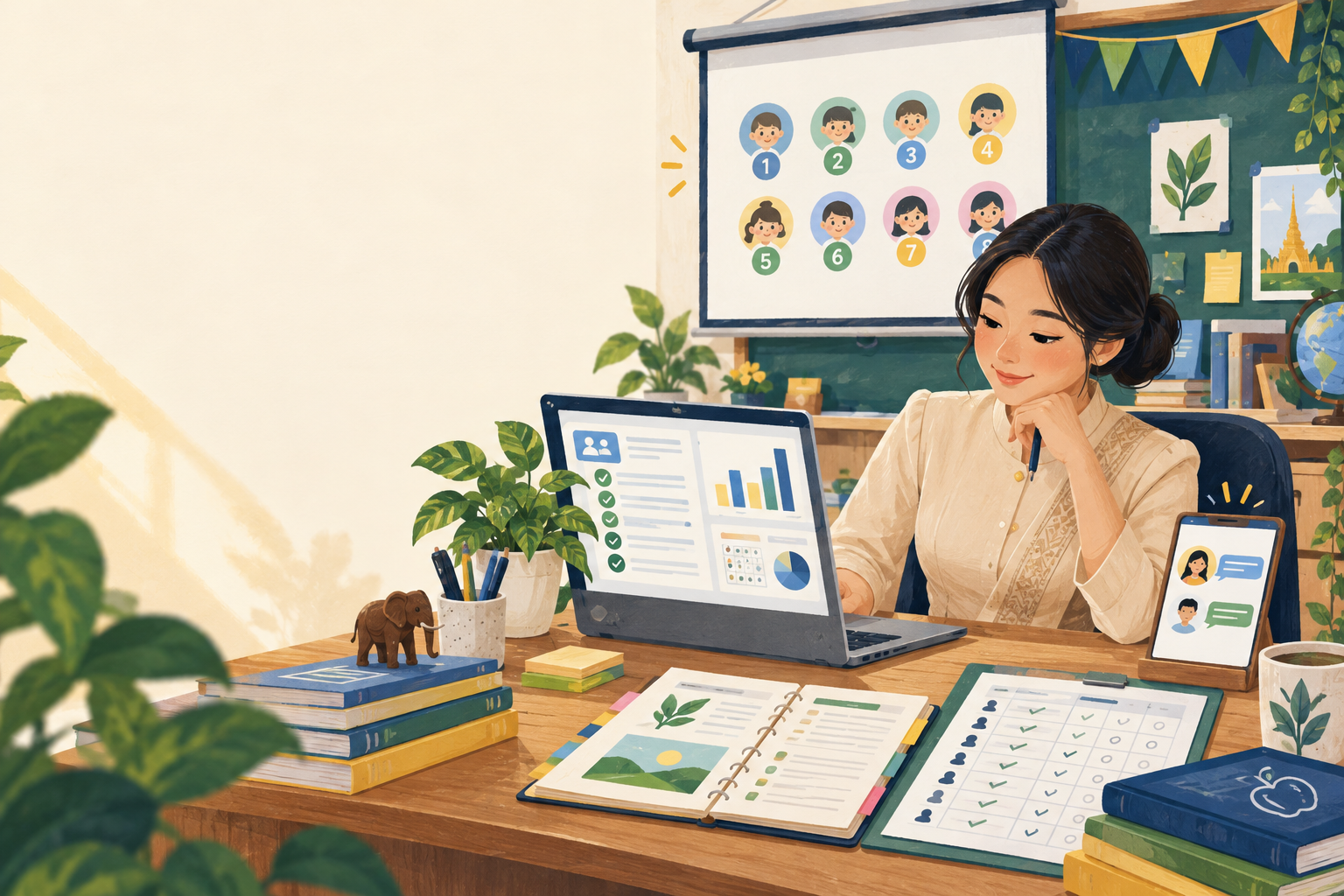
Teachers · pupils · guardians
After consecutive absences, the portal creates a follow-up task and message draft. The teacher chooses the class, edits it, and sends it to connected guardians.
See who has connected their LINE account and who cannot yet be reached there.
Write a message or review outstanding work before notifying guardians.
The teacher confirms the send and can see the delivery result in the portal.
 LINE connected
For teachers
The class list, attendance and time-in-class are together where a class teacher actually works.
Learning, student support and savings stay connected to one pupil record.
Use the information you have entered instead of creating the school paperwork again.
Start with the task at hand and see how its records connect to the next one.
Mark by day or period, review past dates, and see each pupil’s attendance summary.
See how it worksUse recorded marks and attendance to assemble a ปพ.5 document and export it to Word.
See how it worksFor teachers
Paste the roll your school already keeps instead of retyping it. Every pupil record is encrypted at rest.
Mark a whole class on one screen, backdate when you need to, and get the 80% eligibility figure worked out for you.
Set the marks available and the weight for each piece, and grades follow your own school ladder.
Screen across six aspects, record home visits with a map pin, open a support case and follow it through to closure.
Take deposits and withdrawals, keep a passbook per child, and reconcile the class total.
Assembled from the marks, attendance and fourteen judgements you recorded. Downloads as a ready-to-use .docx file.
Reading records and planning are free. Writing or changing Teacher Desk records needs a pass. There is no per-module price or extra charge for more classes or pupils.
Names, addresses and support notes are encrypted in the database. A teacher sees only their own classes, and erasing a pupil removes every row rather than hiding it.
For teachers
Your Krufahda account is readyContinue to manage your class with the records you already have.
Open the teacher portal