
Grades 1–3 (P.1–P.3)
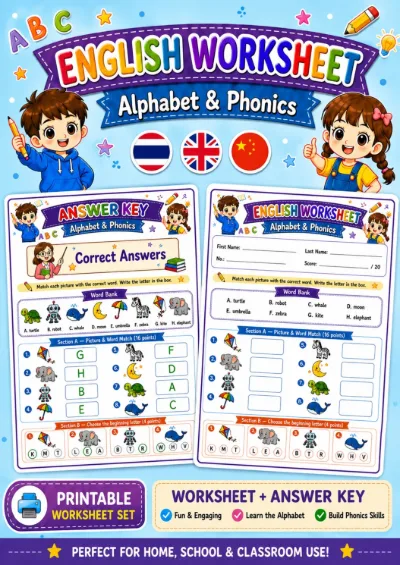
Alphabet & Phonics - Picture and Word Match
19 Baht
View details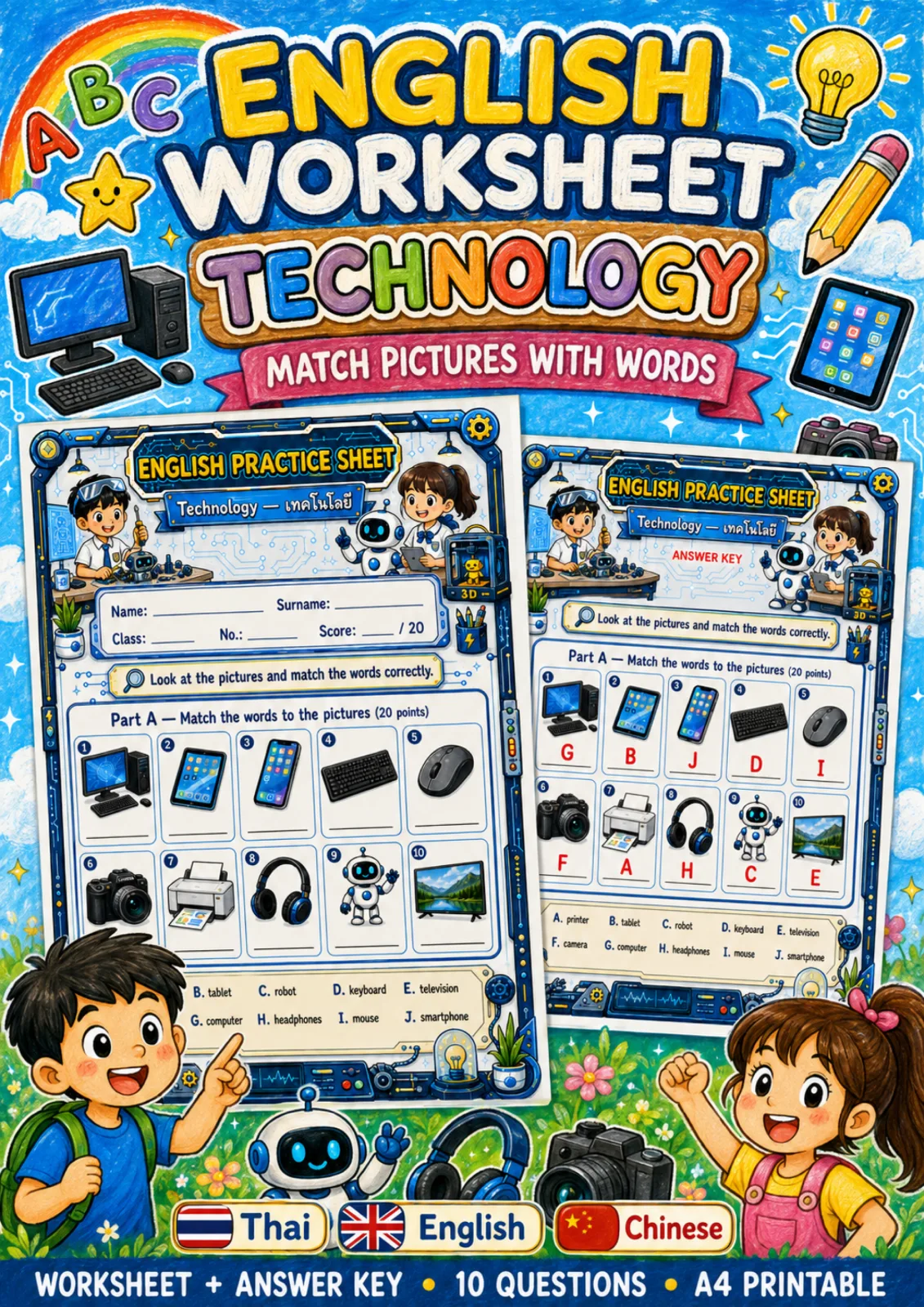
1 / 7
The preview is watermarked and lower resolution than the file you receive.
This topic comes as a full set of activities, from easy to hard - add them together in one click.
Checking member access…
The preview is watermarked and lower resolution than the file you receive.
English Vocabulary worksheets on Technology for Grades 4–6 (P.4–P.6), difficulty 1/5. PDF, downloadable as soon as payment clears.
Curriculum indicators practised
Before you begin
Match ten pictures of technology devices to words A-J, telling apart look-alike devices such as a tablet and a smartphone.
10 items, 20 points - A 10-word bank: printer, tablet, robot, keyboard, television, camera, computer, headphones, mouse and smartphone - Write the letter on the line under each picture, in two rows of five - There are exactly as many words as pictures, with no spare word - A separate key: G, B, J, D, I, F, A, H, C, E
Use as the first sheet of the technology unit. Allow about 10 minutes. - Before starting, have children point to real devices in the classroom or computer room and name them in English, such as keyboard, mouse and printer - After marking, pair children to ask Do you have a ...? / What do you use it for?, then move on to the technology spelling sheet
- Swapping item 2 (tablet) and item 3 (smartphone), as both screens show app icons - Answering D keyboard or I mouse for item 1, because the computer picture includes a keyboard and mouse - Item 10: children who know TV but not television may not spot it in the bank
A PDF written to the Thai curriculum. Buy this worksheet once and keep it; no monthly plan is required.
Download it as soon as payment clears. The link stays in your account, so you can fetch the file again whenever you need it.
Every worksheet is checked before it is published — the content, the artwork, the layout and the accuracy of the language. Download it and hand it out the same day. If printing it yourself is inconvenient, add printing and postage to the order.
By a teacher who works in Thai classrooms, for Grades 1 to 6.
Choose plain A4, heavier stock or photo paper, and we deliver it.
Grades 1–3 (P.1–P.3)
Grades 1–3 (P.1–P.3)
Grades 1–3 (P.1–P.3)
Grades 1–3 (P.1–P.3)