
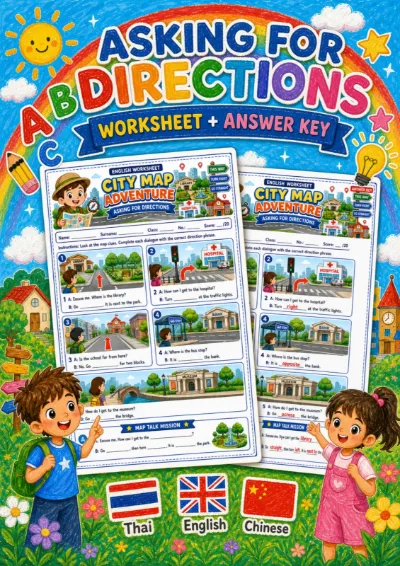
Grades 4–6 (P.4–P.6)
Asking for directions worksheet
19 Baht
View detailsEnglish
An AR classroom game for Grade 6. Learners can aim with their hands at the camera or play by tapping the screen.
This set has 4 rounds in an interactive matching activity.
Curriculum indicatorต 1.1 ป.6/2
A look before you play
A few real prompts from the game to help you choose an activity for your class.
Technology words children use every day.
Verbs for computers and the internet.
Online safety is worth learning alongside the vocabulary.
Before you play
Practise technology and communication words (computer, password, download, upload, search, share, message, reply) and online-safety rules with their reasons, for reading technology texts (ต 1.1 ป.6/2).
4 matching questions, 4 pairs each - Match password to รหัสผ่าน and website to เว็บไซต์ - Match download and upload to their actions - Match think before you post to someone may have kept a copy even after you delete it - Match reply to ตอบกลับ and call to telephone
Use in a technology or online-safety lesson, 5 minutes in solo mode. - After item 3, talk briefly about what pupils have come across online and when to tell an adult - For item 2, have pupils point down and up for download and upload Play it linked to a class and the results go into the mark book.
- Item 2: swapping download and upload, which sound alike; down means bringing it onto your own device - Item 3: swapping the reasons for do not talk to strangers and tell an adult - Item 2: swapping search and share, which both start with s
Grades 4–6 (P.4–P.6)
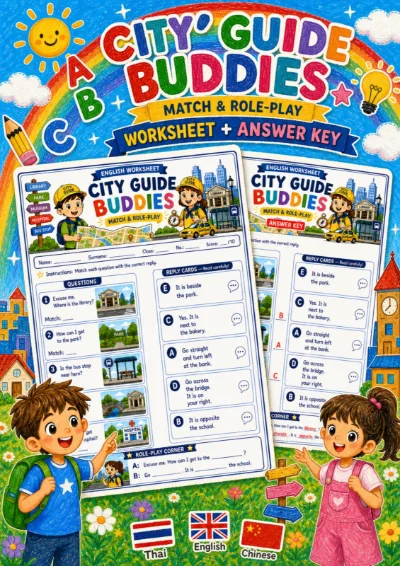
Grades 4–6 (P.4–P.6)
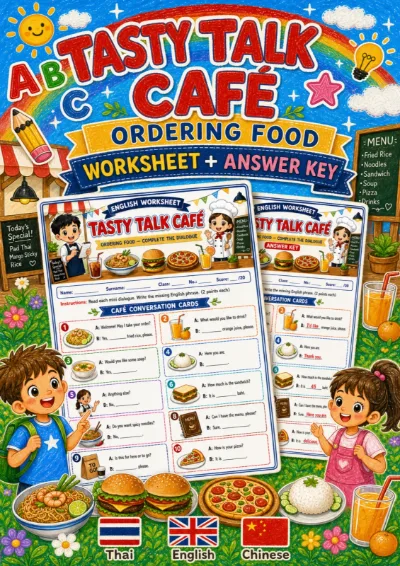
Grades 4–6 (P.4–P.6)

Grades 4–6 (P.4–P.6)
 Matching
EnglishGrade 14 rounds
 Multiple choice
EnglishGrade 16 questions
 Sorting
EnglishGrade 14 rounds
 Ordering
EnglishGrade 14 rounds